Install Windows 3.11
Download the ISO image from https://archive.org/details/aio-cd.
Accessing it from DOSBox you should go to your Z: drive, then to SYSTEM and there you should run the IMGMOUNT for assigning the E: drive for the downloaded CD image.
z:
cd \system
imgmount e "/home/gopher/Downloads/AIO_CD.ISO"
In my case it is in my Downloads folder. Replace it with your exact location, on Windows you should have something like C:\Users\username\Downloads\AIO_CD.ISO
You should see a message that confirms the image was successfully mounted. Go to your newly mounted E: drive and check the contents of it:
e:
dir
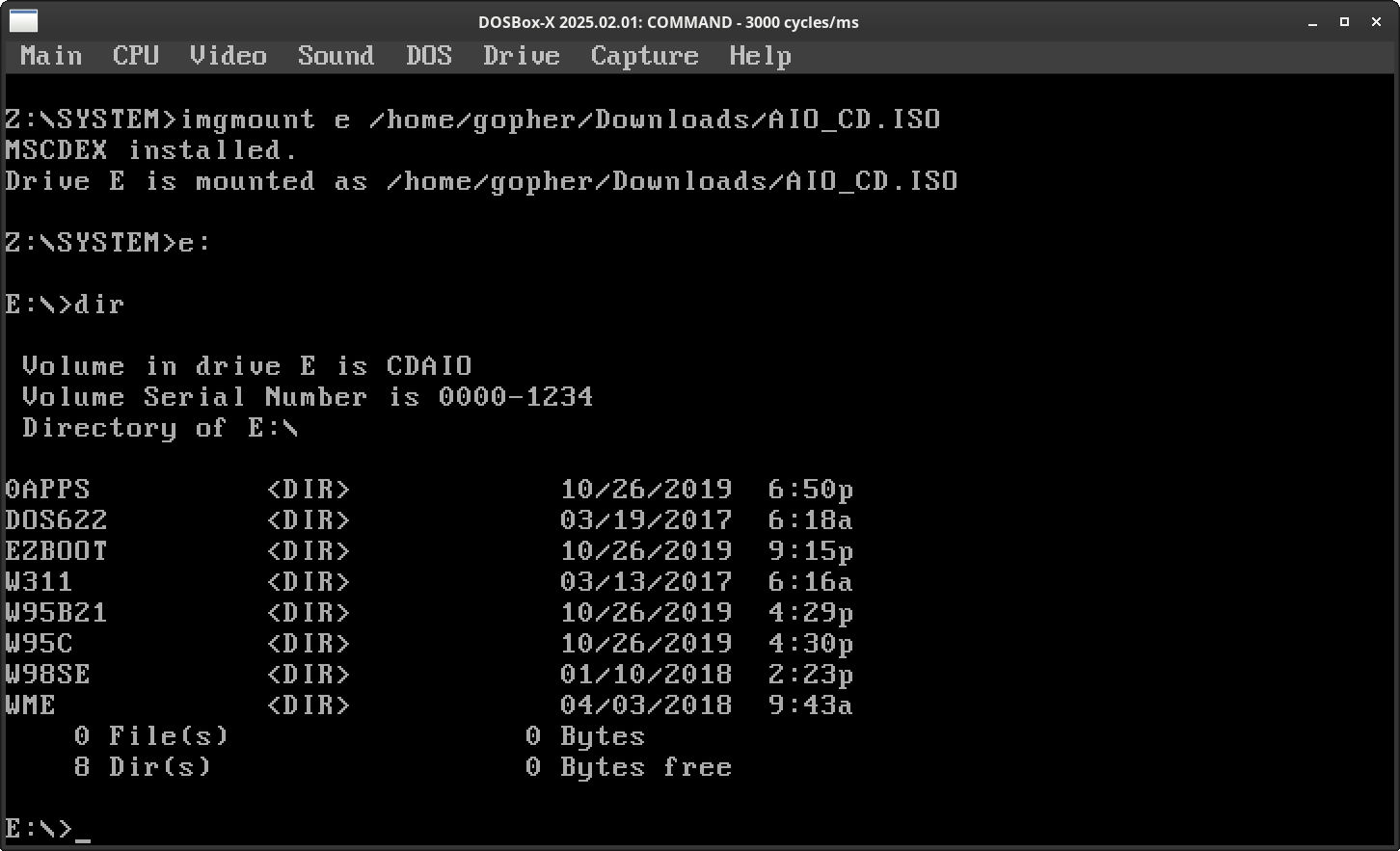
Go to the W311 folder and start the SETUP.EXE:
cd w311
setup
This should start up the Windows 3.11 installer:
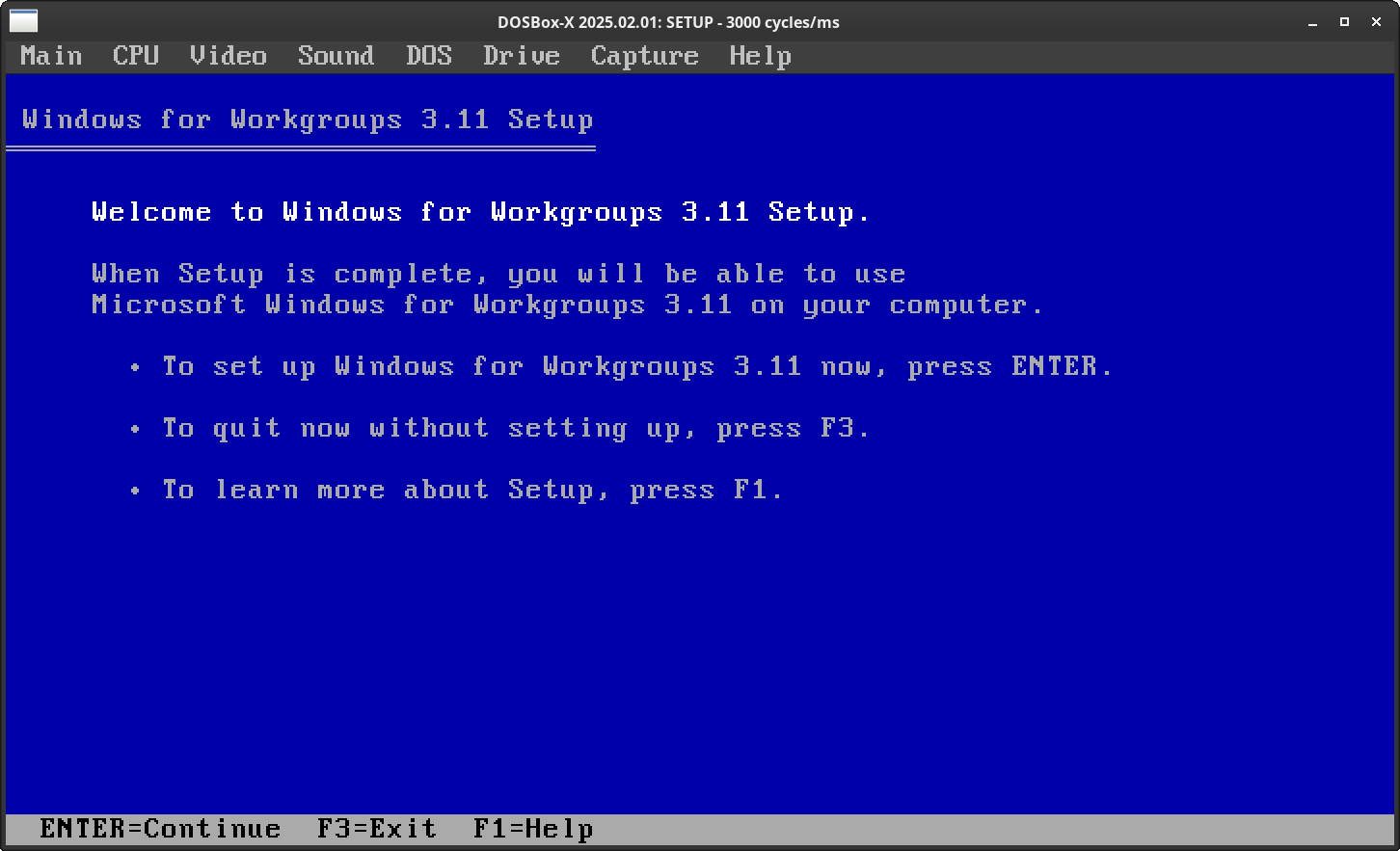
Hit ENTER then choose Express setup with ENTER again. The installation process should continue:
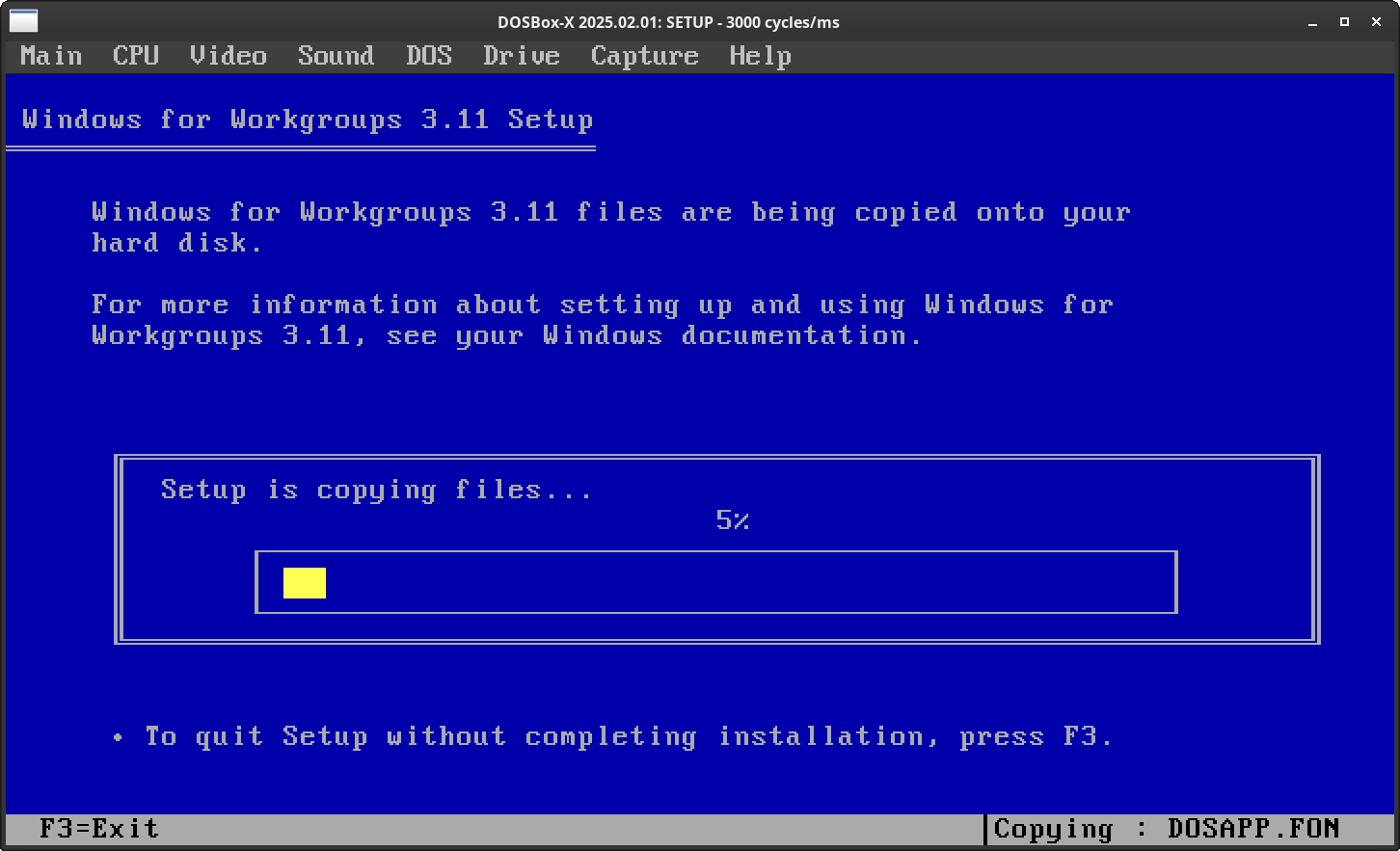
It will start up the GUI install when it finished.
Click with the middle mouse button for using the mouse inside the DOSBox window! Click again with the middle button for escaping!
Set your full name and leave the product key empty. Click Continue twice!
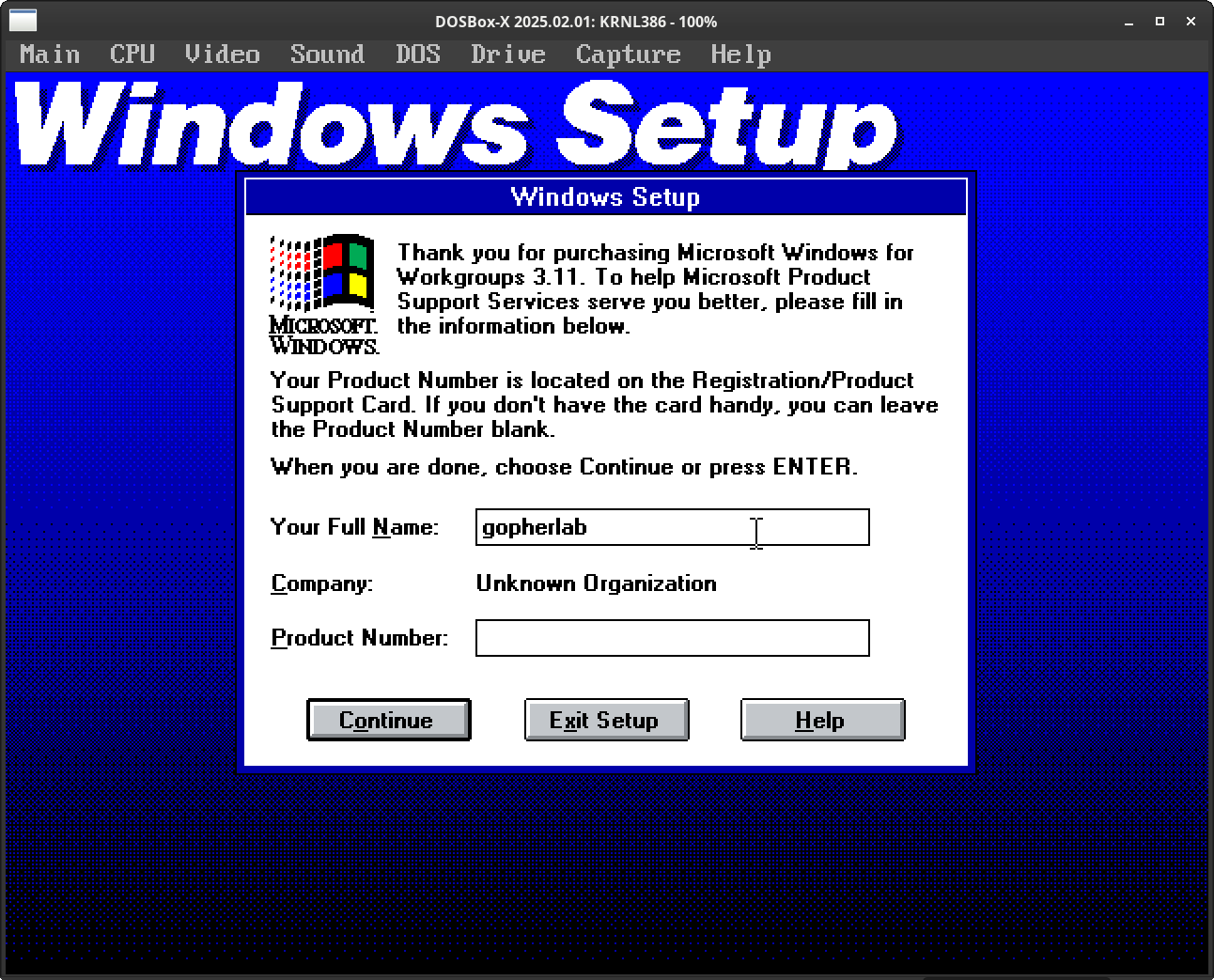
The setup process should continue:
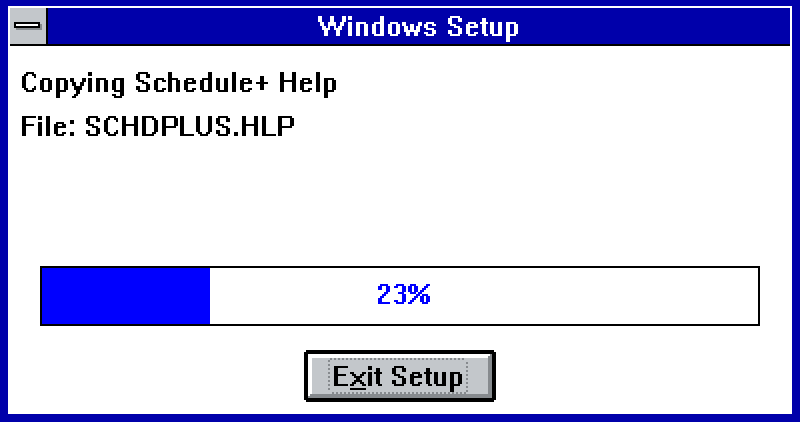
On the Printer installation window click Cancel.
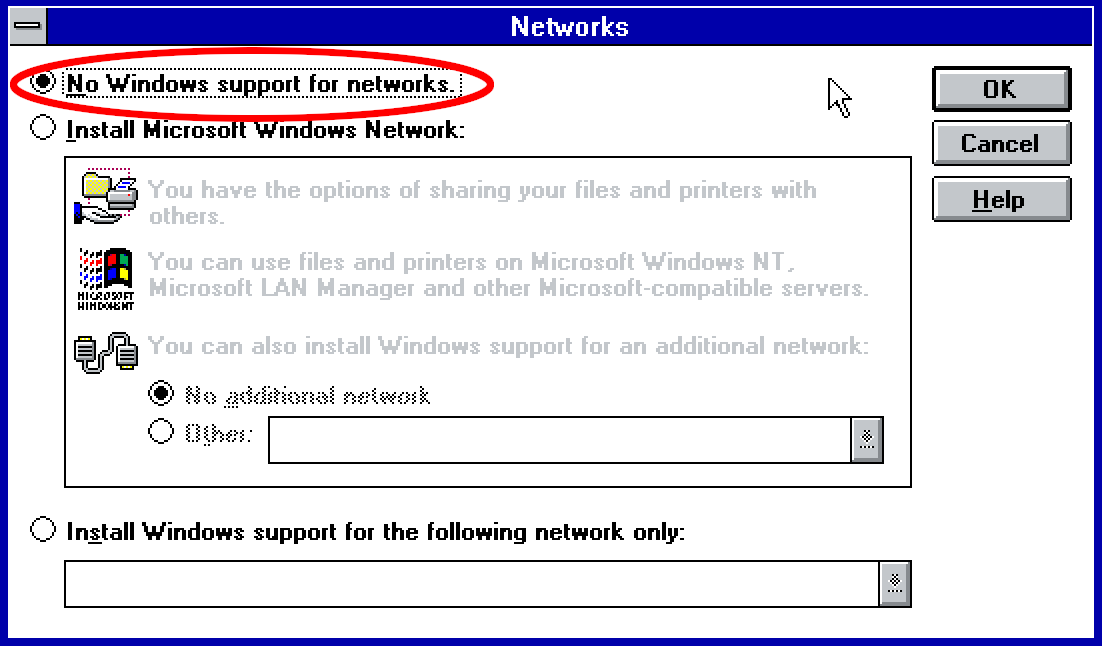
On the Network Setup window click on the Networks:
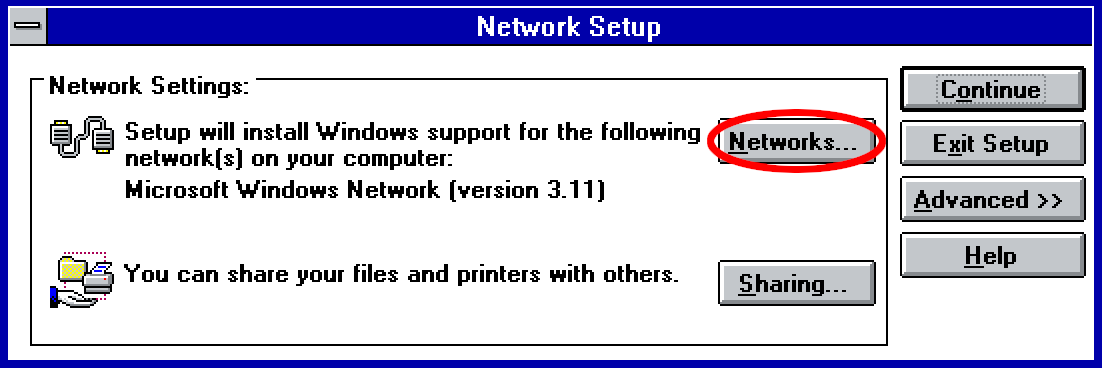
Select the No Windows support for networks because if we let this install the Microsoft Windows Network that would show an error message on startup. Hit OK then Continue.
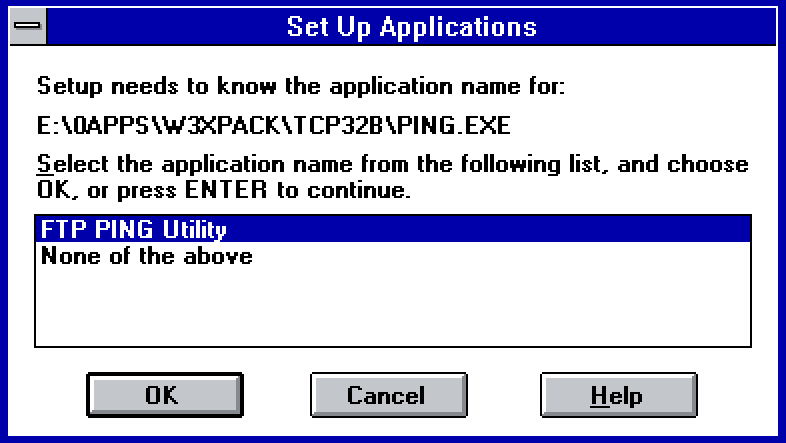
It will ask about some application name, just hit OK twice:
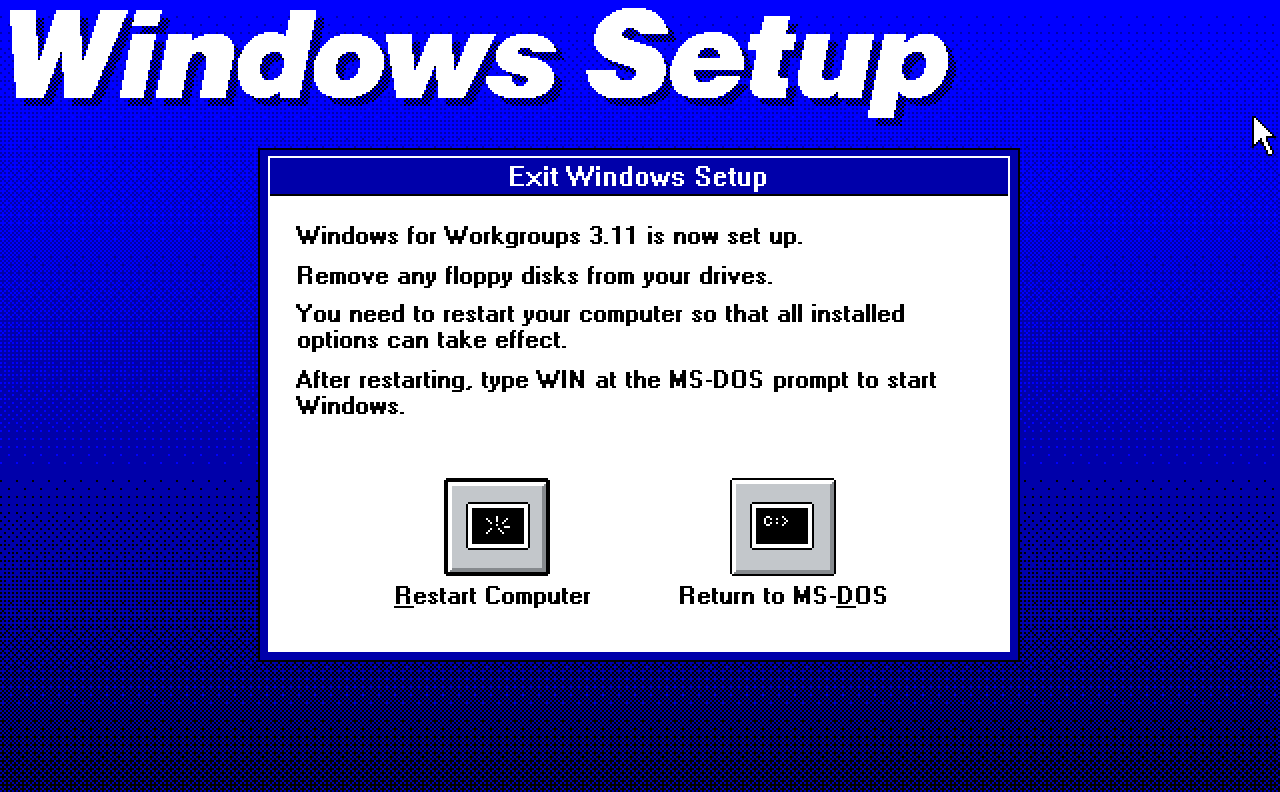
Skip the tutorial when asks for it, then at the last screen click on Restart Computer. It should restart our DOSBox-X.