
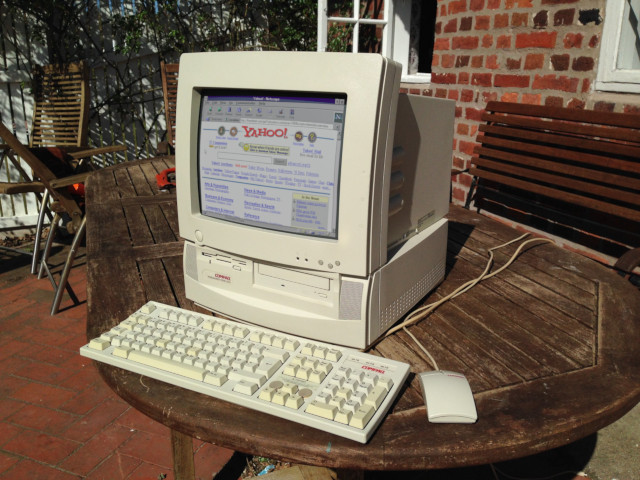
Previously: Install an SVGA driver for Windows 3.11
Install the Netscape Navigator 4.04
Get the installer from: https://archive.org/details/Netscape_Navigator-4.
If you still in Windows first exit from it: in the Program Manager window click on File -> Exit Windows -> OK
Rename and move the downloaded Netscape_Navigator-4.04_16b.exe file to your mounted folder for example: C:\Users\gopher\DOSBox\nn404.exe
In your DOSBox console run rescan to be able to see the nn404.exe file in your C: drive, then go back to Windows:
c:
rescan
cd \windows
win
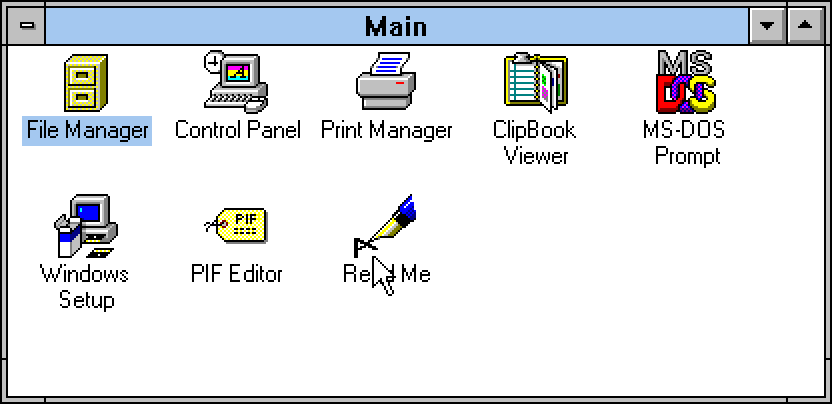
Double click on the File Manager in the Main window:
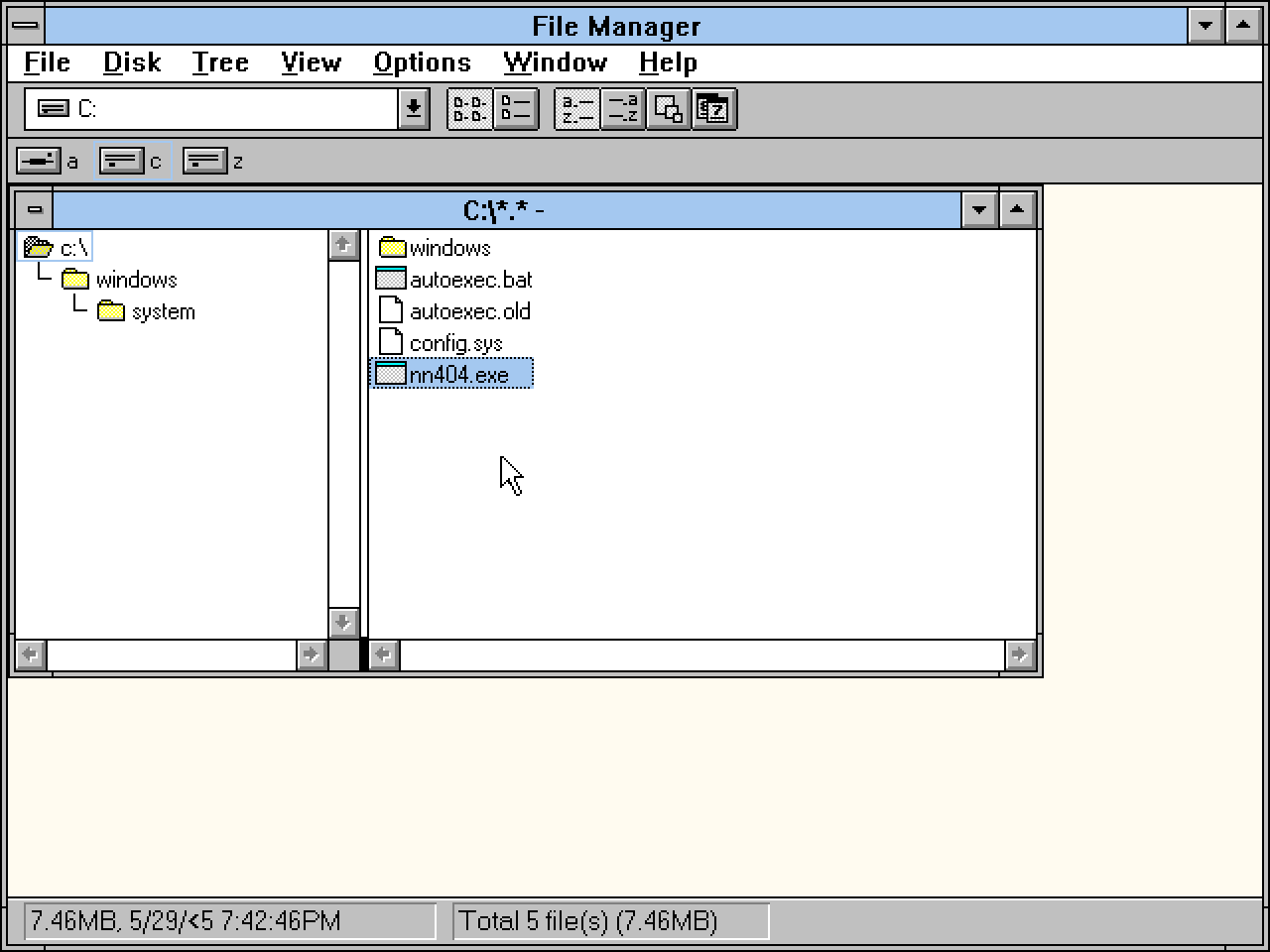
Selec the C: root element, then double click on the nn404.exe:
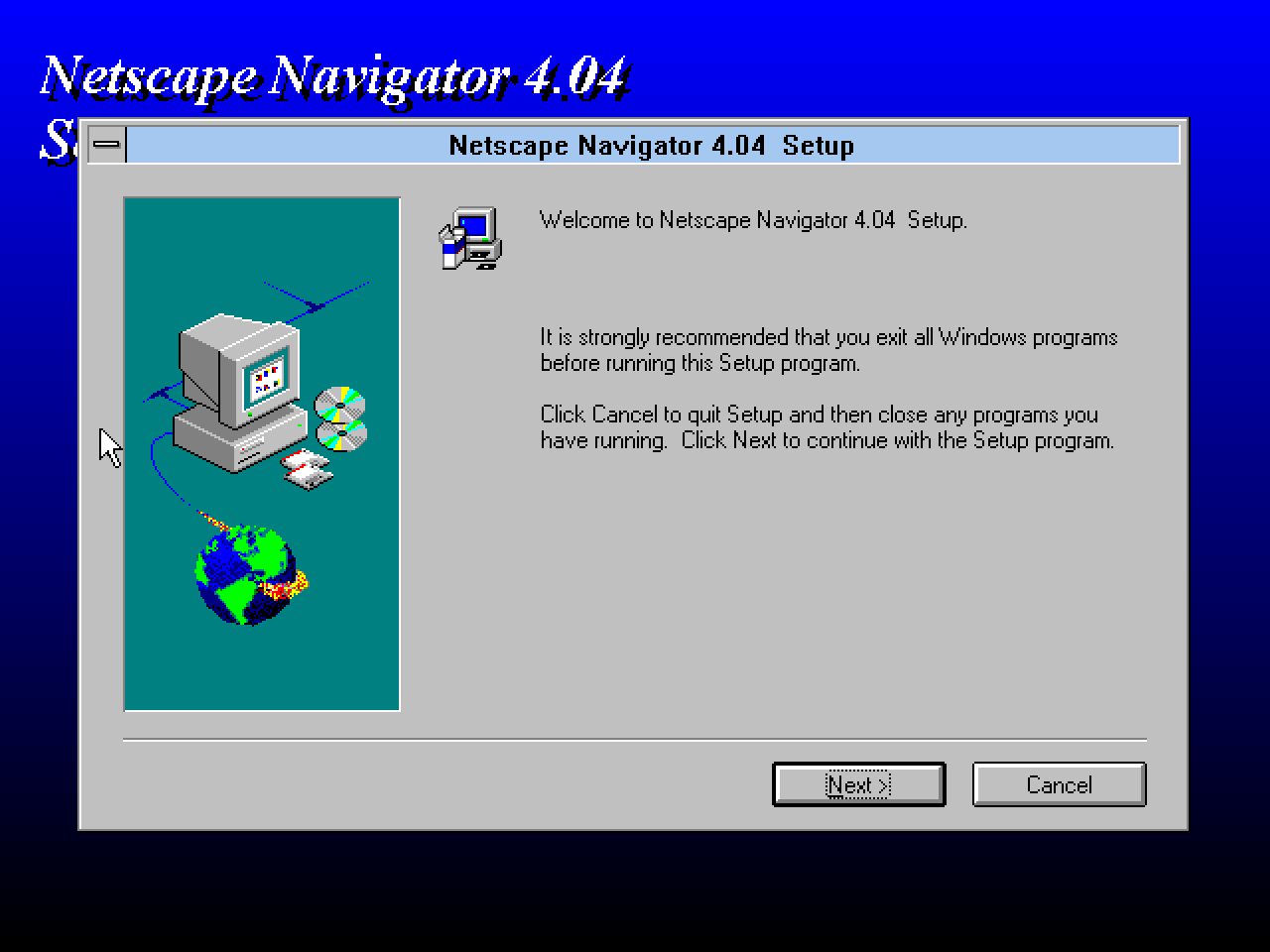
It will ask if you want to install the Netscape Navigator and from that point it is basically a typical Windows install procedure:
You should be able to run the Netscape Navigator 4.04 when the installer finished. It will ask for your name, and for a default profile, but just click OK and Next in the dialogs. You should see the following error at the end:
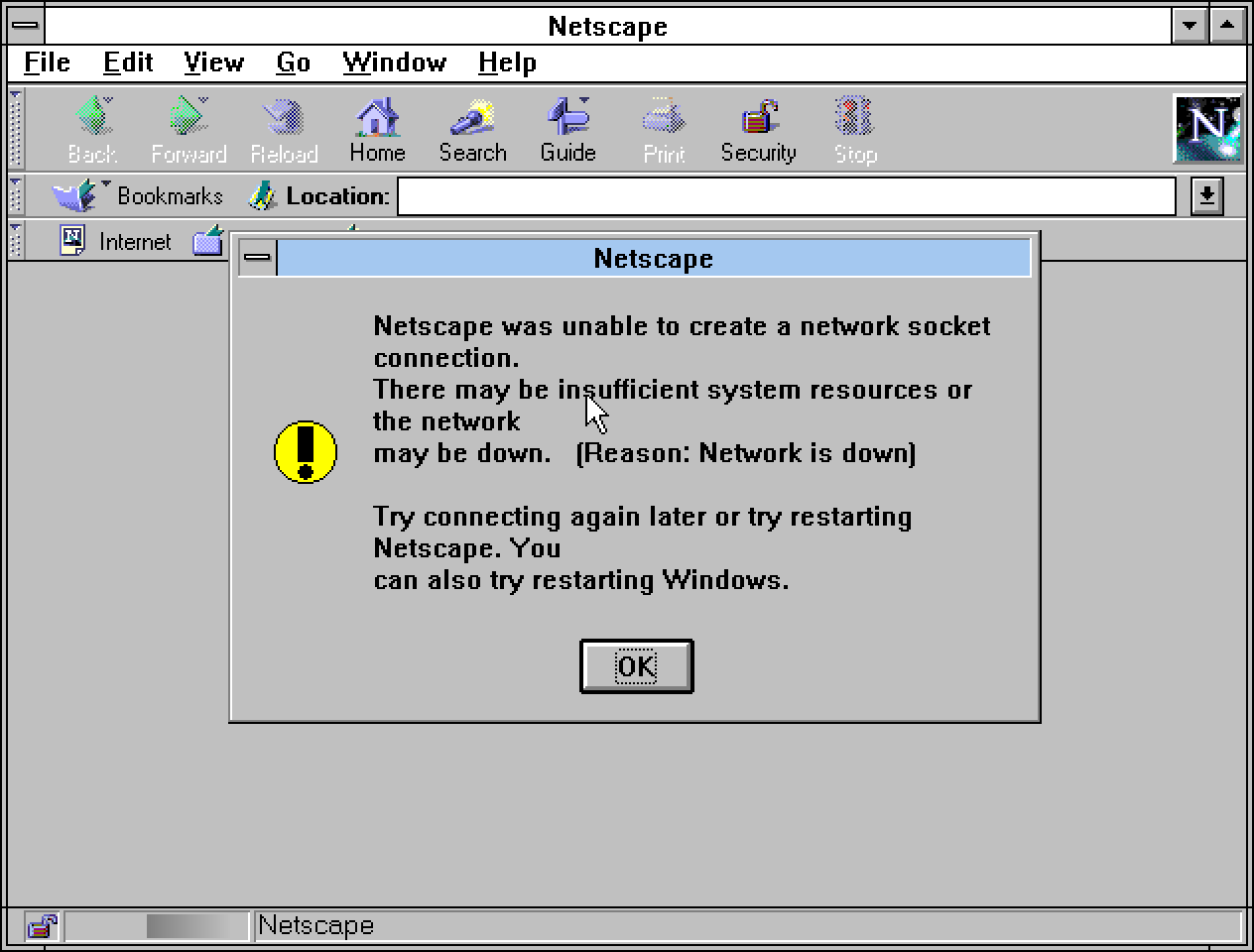
To avoid this error, we have to set up a working internet connection
