
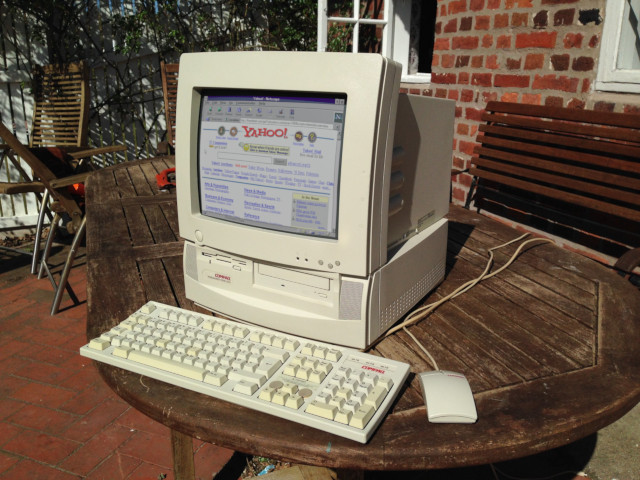
Short version
Download the DOSBoxInternet.zip file:
Unzip the file to your home folder, like C:\Users\gopher\DOSBoxInternet (replace my username gopher to yours)
Put the following into your AUTOEXEC.BAT:
mount c "c:\Users\gopher\DOSBoxInternet"
set mtcpcfg=c:\mtcp\samples\sample.cfg
path c:\windows;c:\trumpet
z:\system\ne2000 0x60 10 0x300
winpkt 0x60
c:\mtcp\dhcp
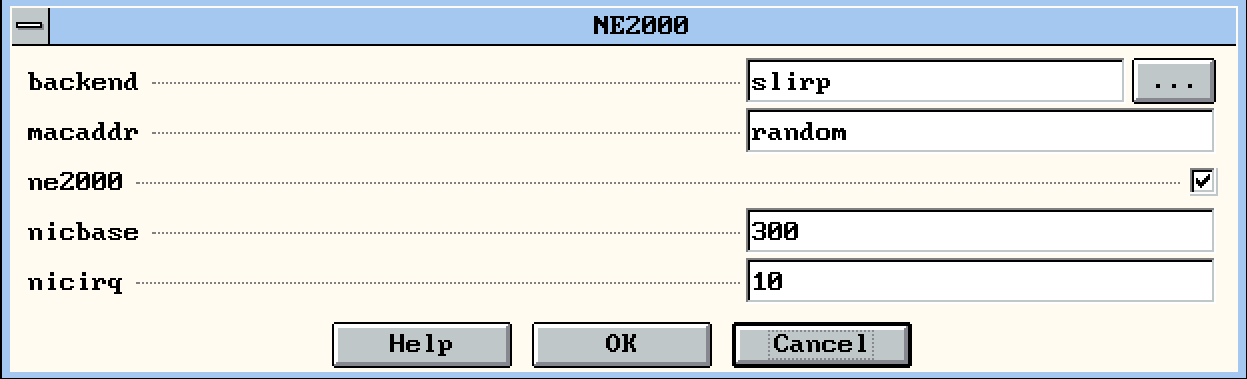
Set up your NE2000 with nicbase 300 and nicirq 10, with slirp backend, do NOT forget to check the ne2000 checkbox! (maybe pcap works for you check previous page for the details).
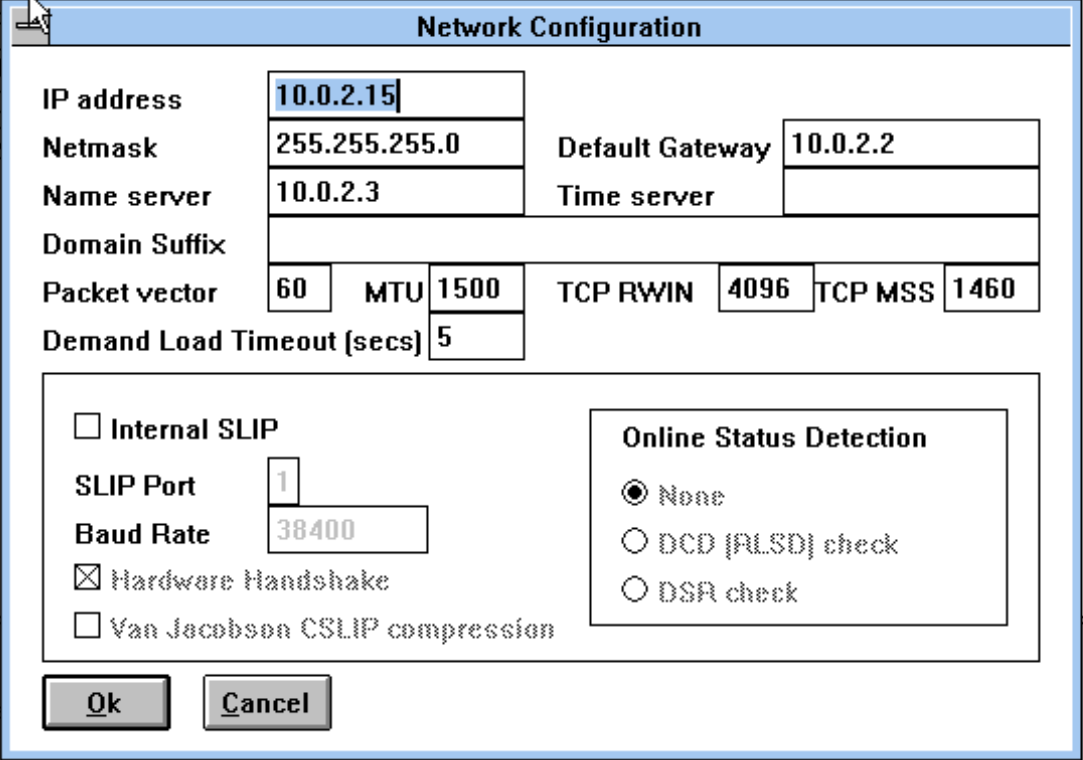
Run win start the File Manager go to the C:\TRUMPET folder and run TCPMAN.EXE. You have to set up your IP address, nameserver and etc. that you got at DHCP:
Now run the Netscape Navigator and go to the http://theoldnet.com . Enjoy! 🙂
