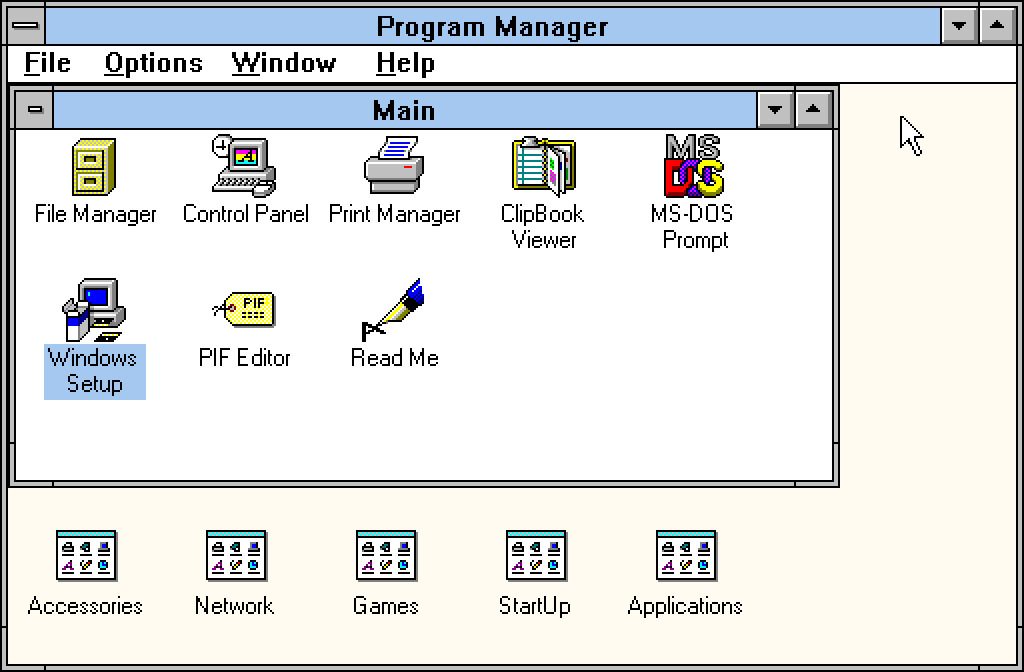
Install the SVGA driver for Windows 3.11
If we want to have the nice colors instead of the rough 16 colors that is set up by default, we have to install an SVGA driver. We can found an S3 Trio 64 driver that is compatible with DOSBox-X at https://archive.org/details/s3-trio-64v-plus-win-31-95-drivers .
Download the S3 Trio driver from here
Strongly recommended to rename the S3 Trio 64V+ Win31 Win95 Drivers.img to a simple name like S3Trio64.img, because we have to type in the DOSBox console with full path.
Mount the floppy image to our A: drive:
mount a "/home/gopher/Downloads/S3Trio64.img"
Run the Windows:
c:
cd windows
win
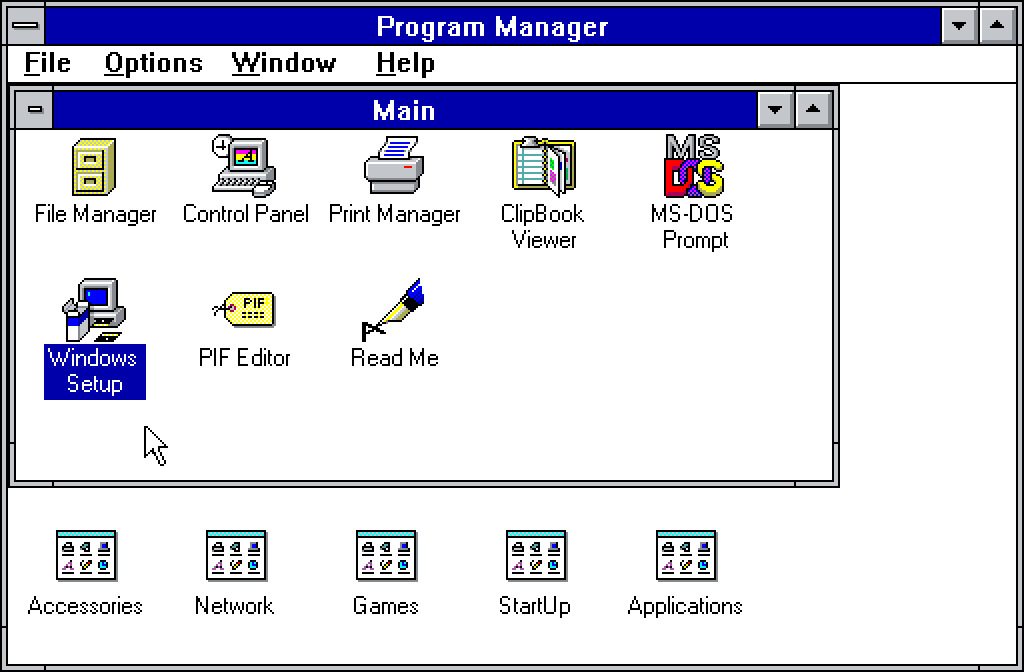
Use your middle mouse button to give DOSBox the control of your mouse cursor, then double left click on the Windows Setup icon:
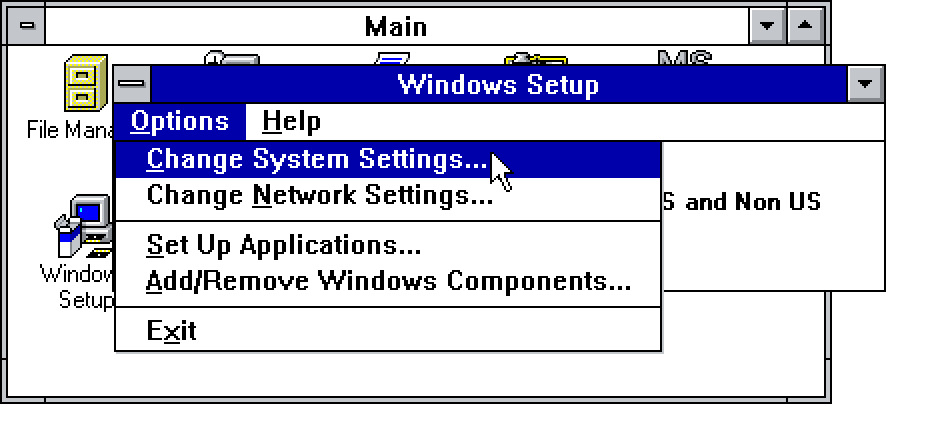
Then Options -> Change System Settings
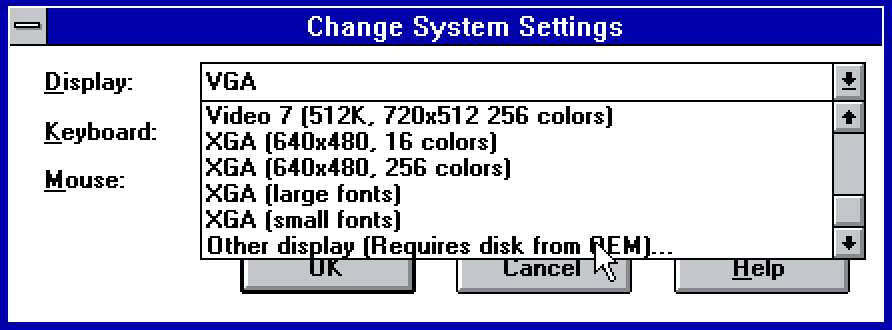
Click on the Display dropdown and scroll to the bottom, there select the Other displays (Required disk from OEM...)
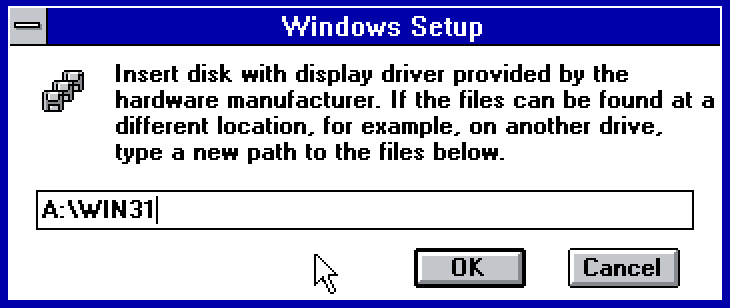
Write the path: A:\WIN31 then hit OK
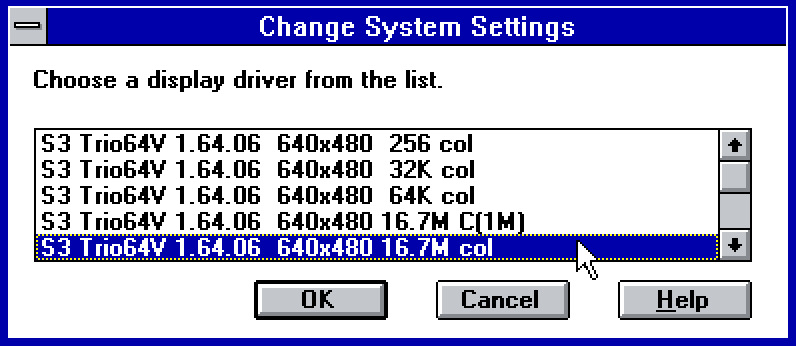
Select the 640x480 16.7M col (or at least this is what I would recommend) and then hit OK
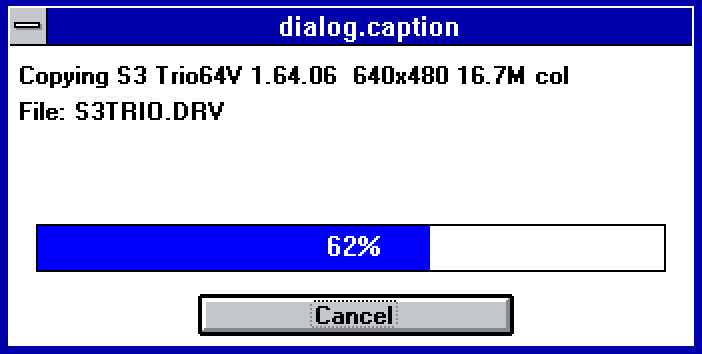
The driver installation should start:
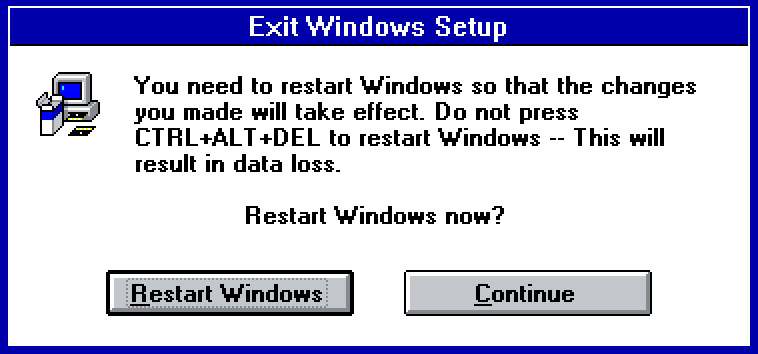
When the installation finished you should click on Restart Windows:
Your colors should be different after restart, notice that nice cyan blue title bar and the pastel yellow background of the Program Manager window: